For the complete documentation index, see https://guide.paymentlink.io/llms.txt. Every page is also available as Markdown: add .md to its URL, or request it with an Accept: text/markdown header.
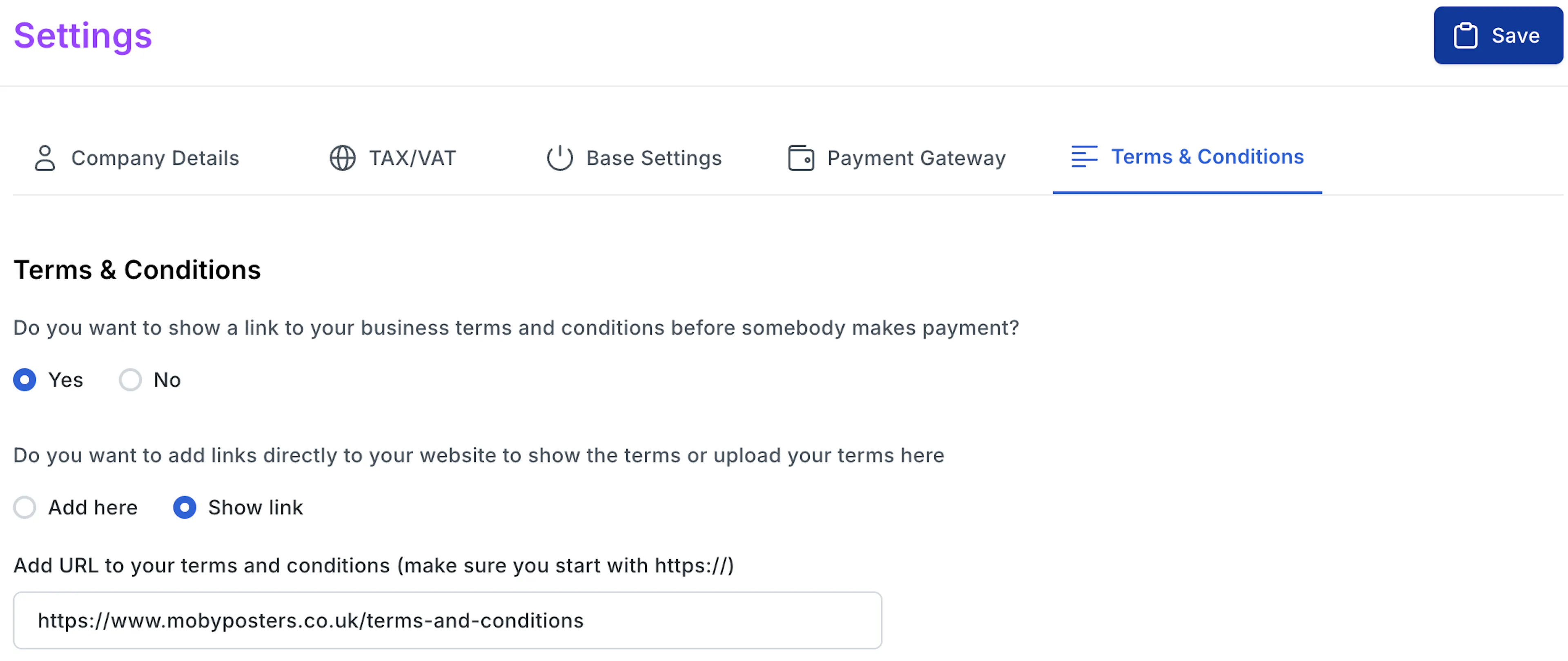
When a customer makes payment you can ask them to accept your Terms & Conditions before they pay. If they don't agree, then they cannot proceed to payment. You would have seen this on most e-commerce sites.
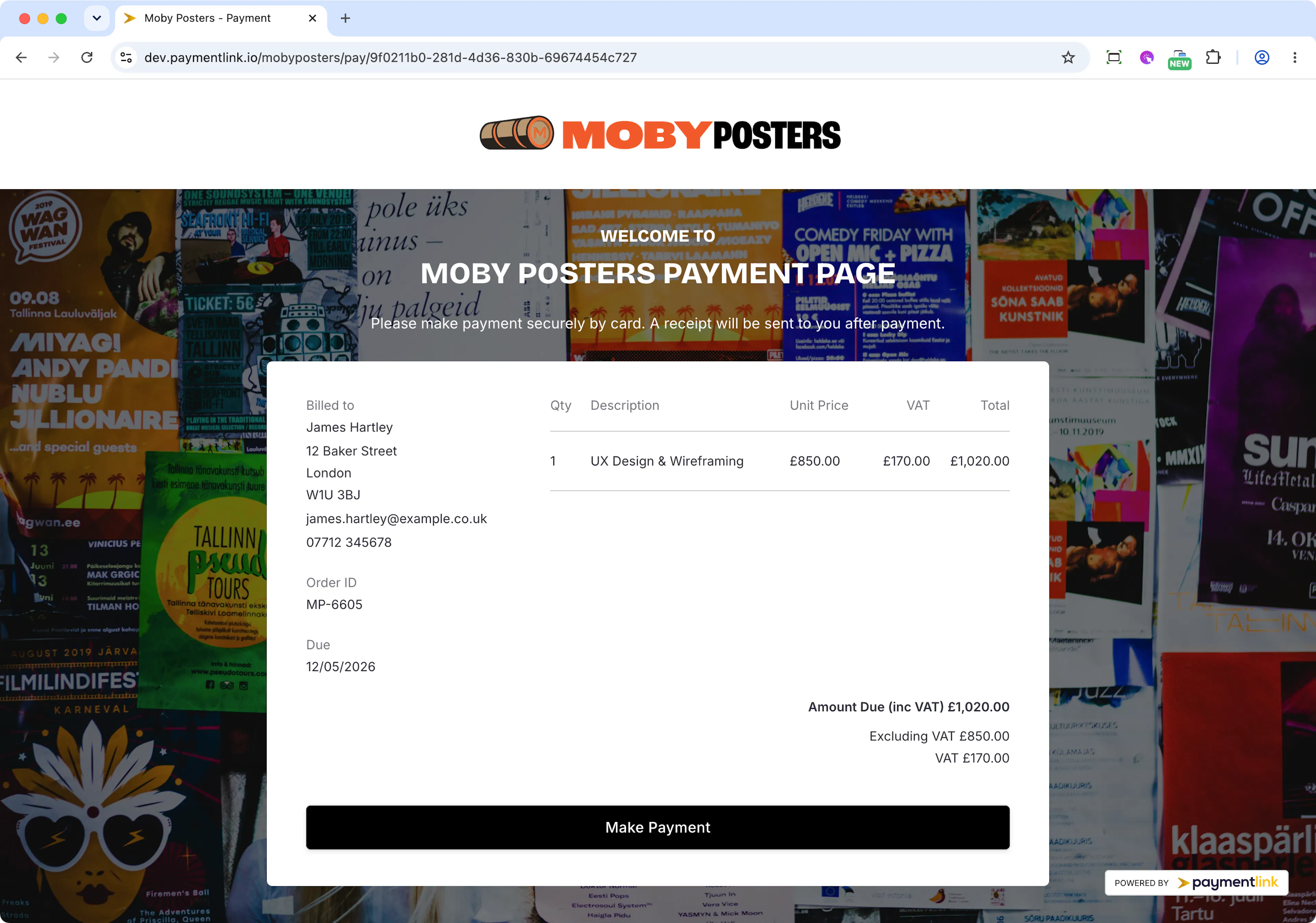
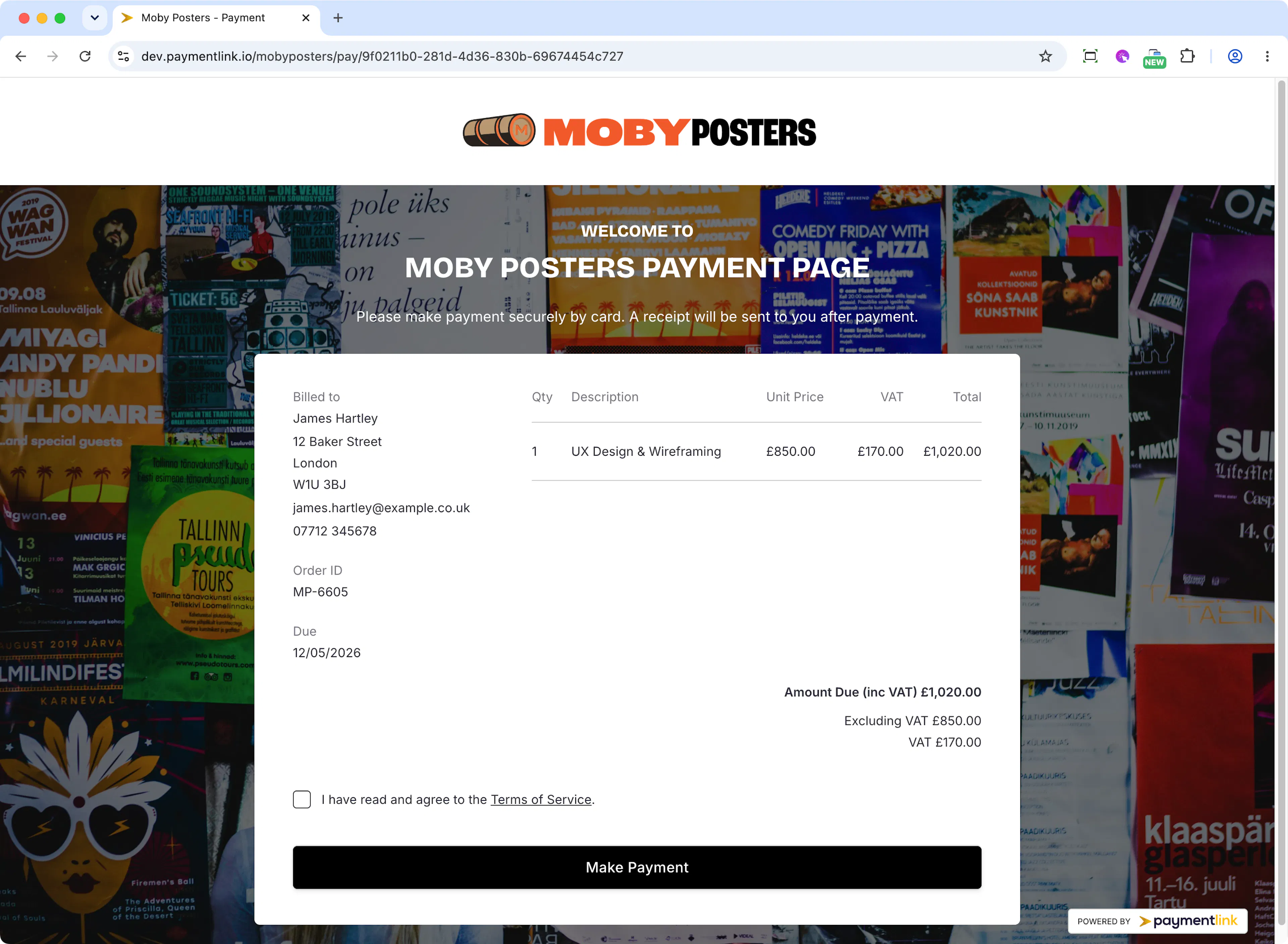
If you've selected "No" this is what your payment page will look like for your customer
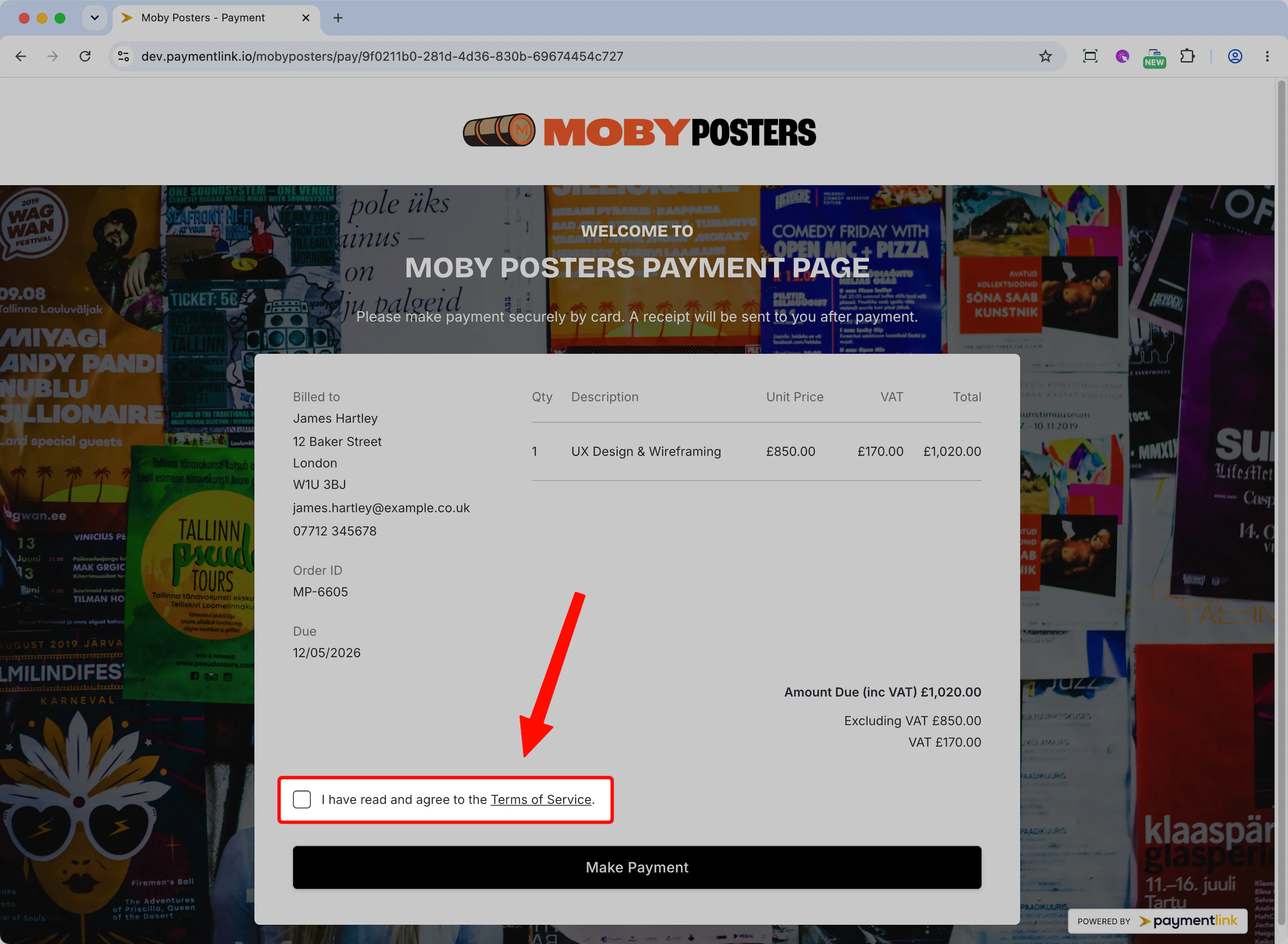
If you've selected "Yes" this is what the payment page will look like
How to add your Terms & Conditions
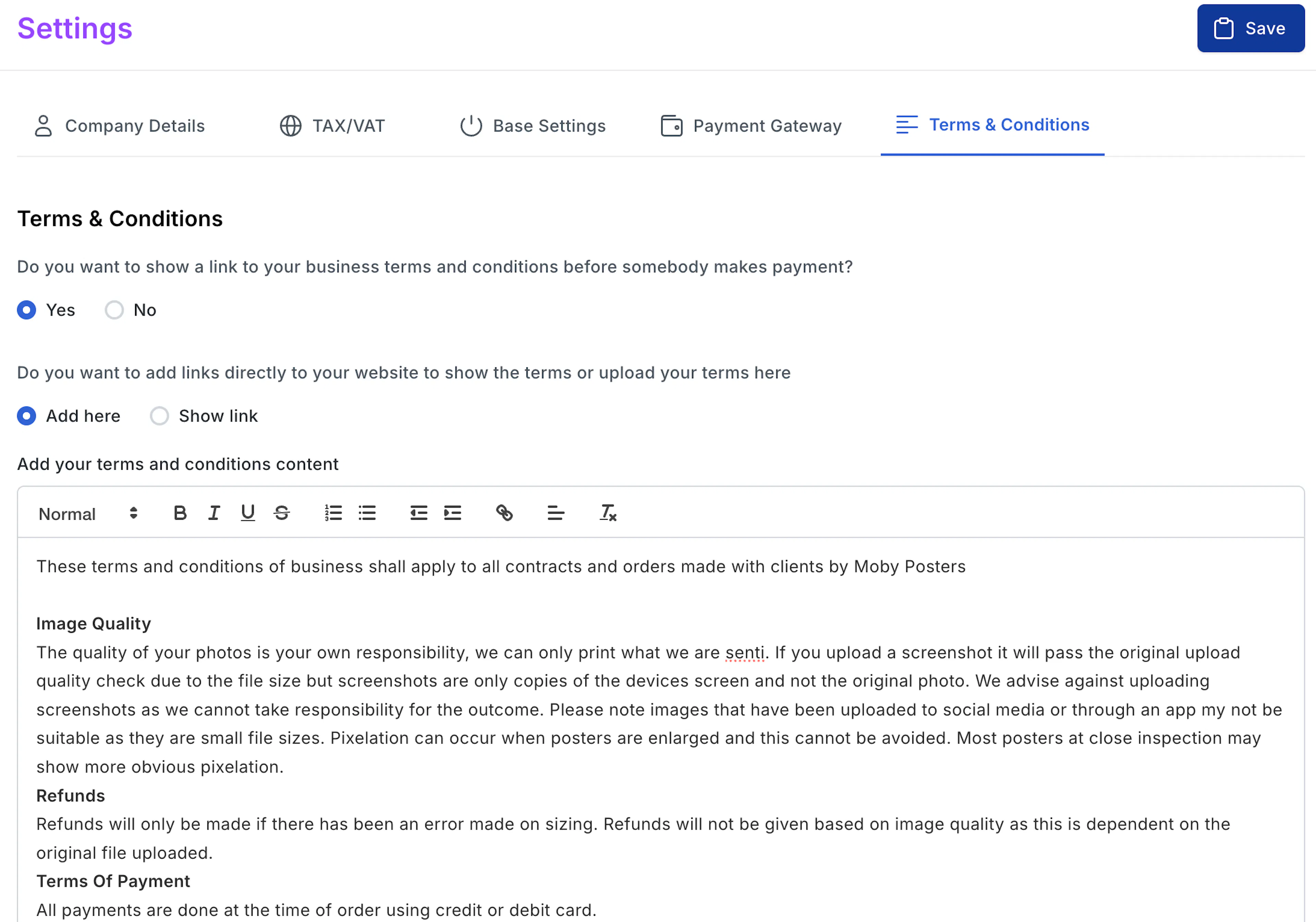
There are 2 ways to add your Terms and Conditions
Add the content inside Payment Link and then customers will see this in a pop up when they click the underlined link "Terms and Conditions"
Add a link to open a page on your website e.g. mybusiness.com/terms-and-conditions.
The customer will then on click see a new window open of the link you added.