Branding - Overview
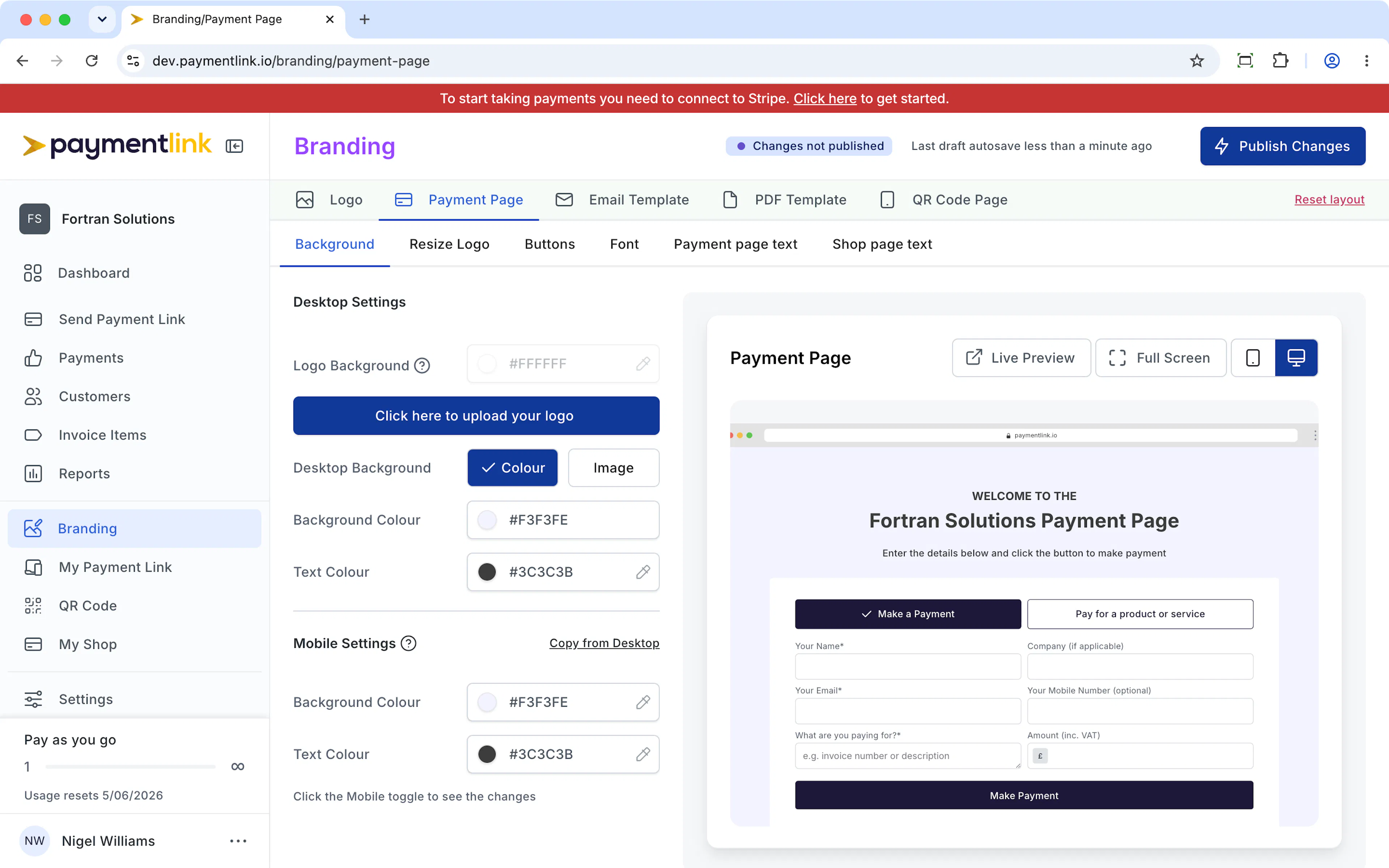
With Payment Link we make it easy for you customise the branding for your Payment Page, Email Templates, PDF Templates and QR Code page.
Payment Link consists of 4 modules
Payment Link
Send a payment link to request payment
Payment Page
Your payment page open 24/7
Micro E-Commerce
Your online shop
QR Code
Contactless payment using QR codes
The branding is shared across all 4 modules. Below you can see how the branding is translated across the different pages.
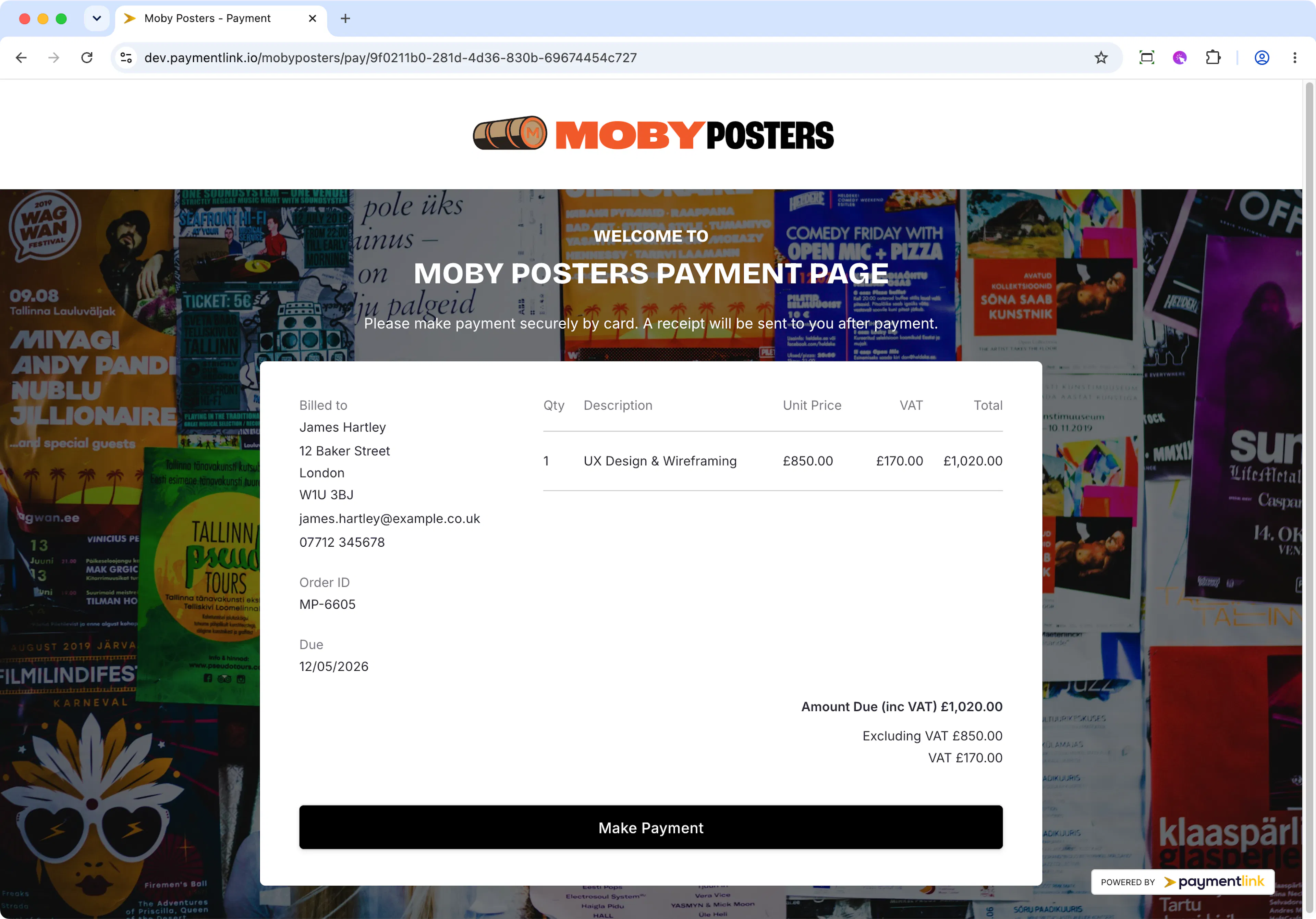
Payment Link
Your Payment Link page is what customers see when you've sent them a payment request from here https://paymentlink.io/dashboard/send-payment-link.
If you've sent the payment request via email, they'll see a button to make payment. They then land on the page below. If you've shared the link directly via WhatsApp or any messaging app, they land directly on this page.
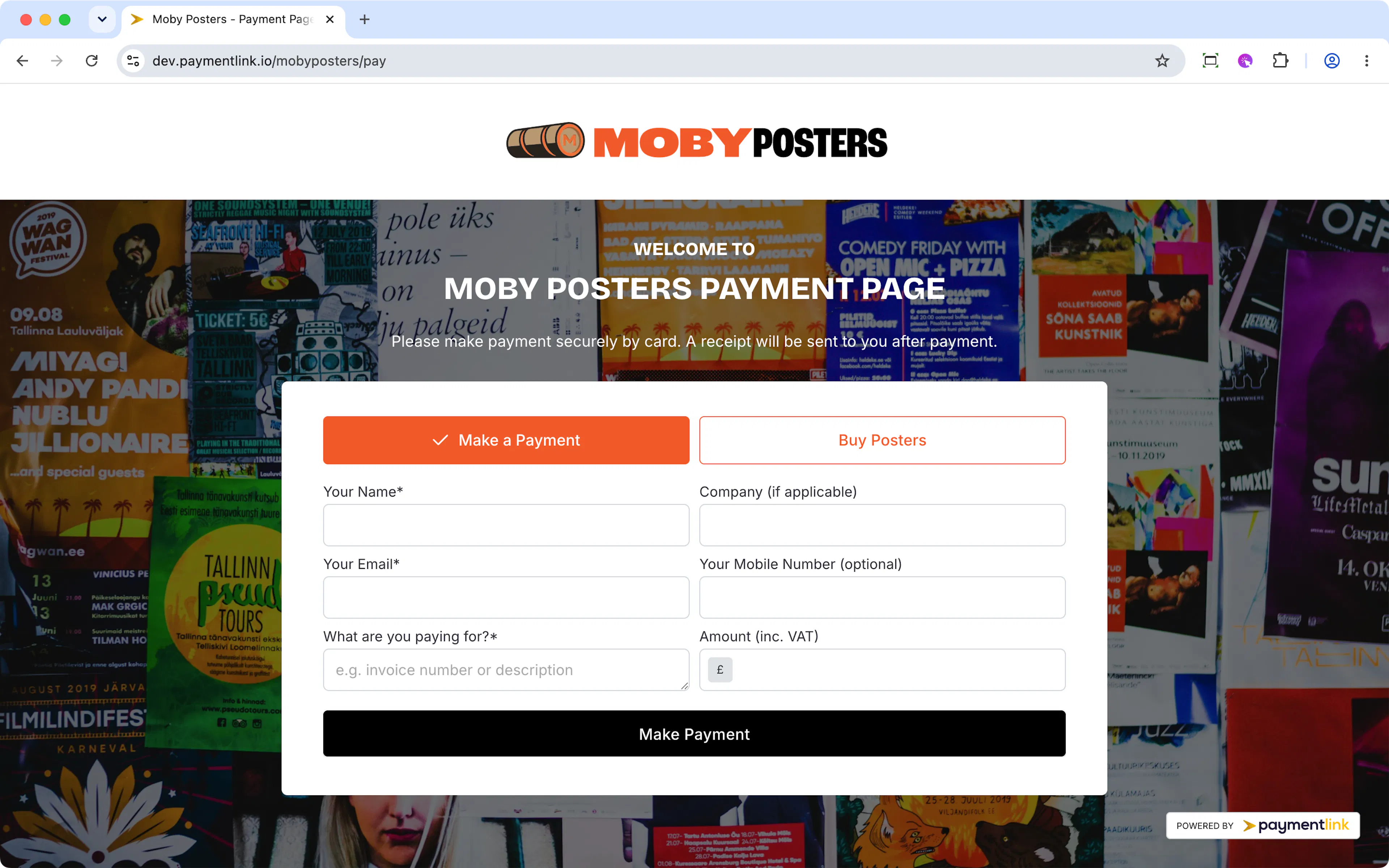
Payment Page
This is your 24/7 permanent online page where customers who know the amount they need to pay and just enter their details and click Pay.
You'll have a permanent paymentlink.io/yourbusiness URL you can share or you can use your own custom domain.
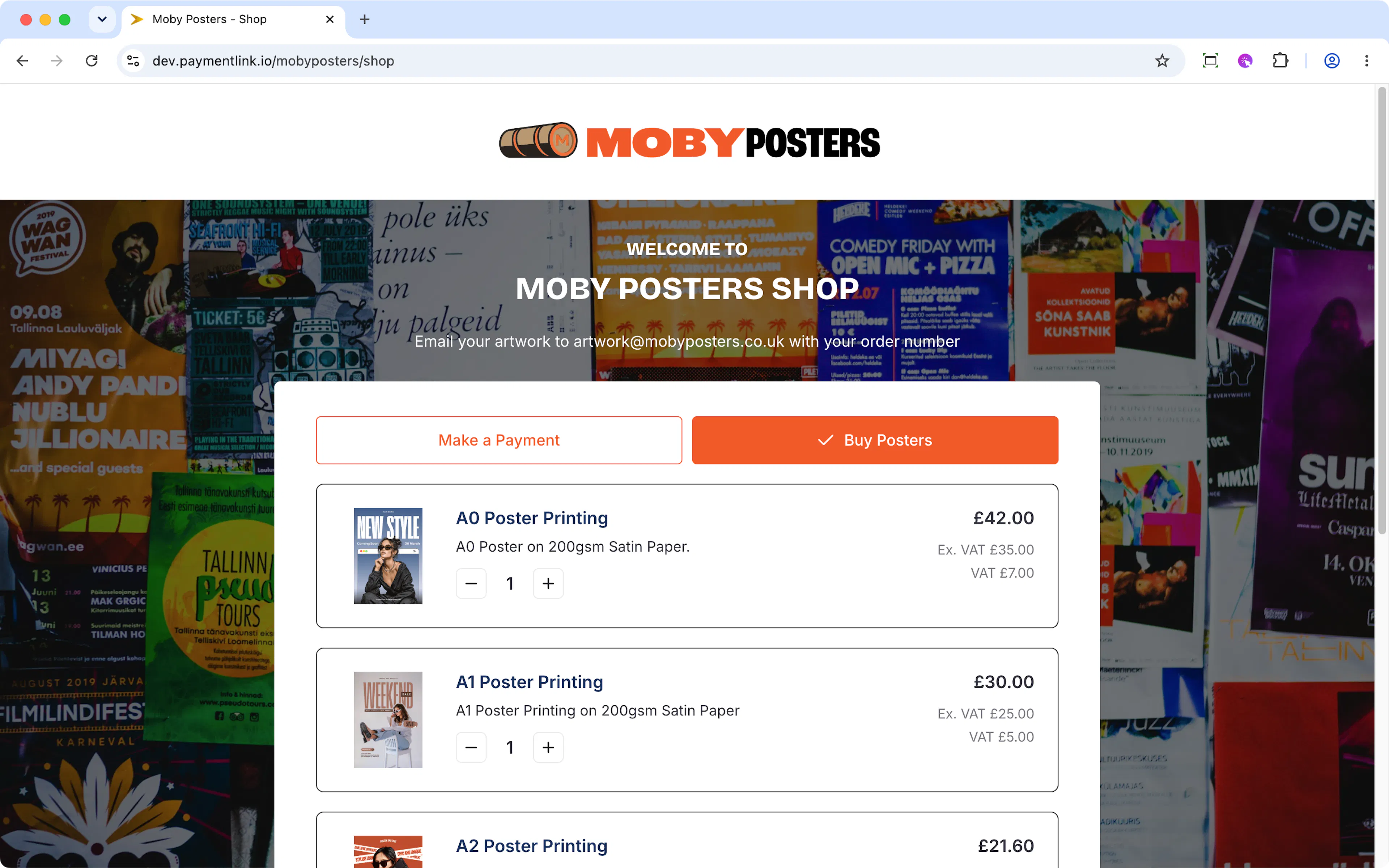
Micro e-commerce Shop
This is your e-commerce shop. Out of all the modules, this one you enable manually if you want it to show
You also have a dedicated URL for this which you can share which will be paymentlink.io/yourbusiness/shop or you can use your own custom domain.
QR Code
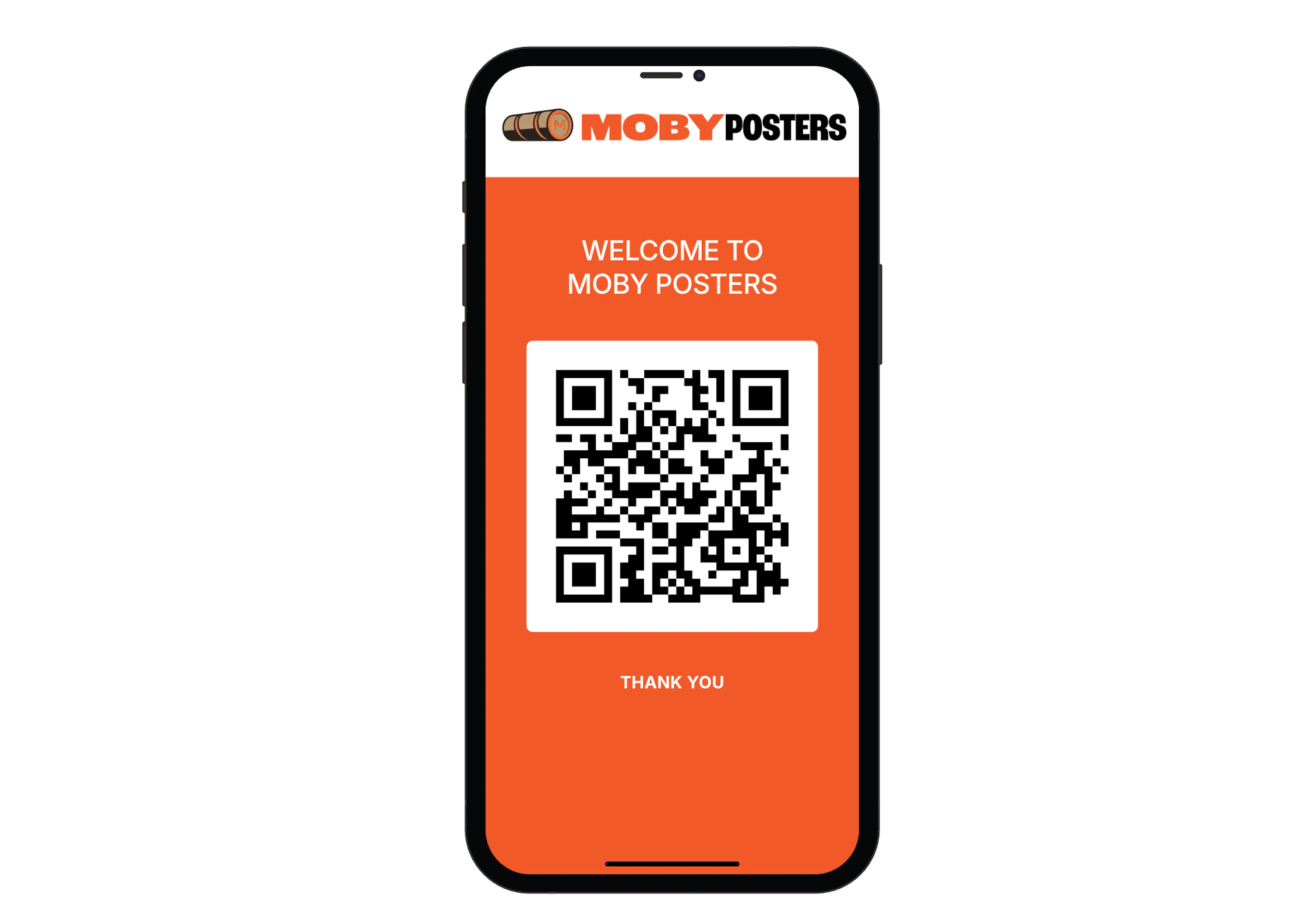
Your QR Code carries the mobile theme which has a solid background colour to ensure legibility. This page opens on your mobile when you're logged into the Payment Link dashboard.
Your default theme
By default your Payment Page will use a generic theme which you're ready to start with. Click through the sections to familiarise yourself with the default data in case you want to make any changes.